
 Exasol MLflow Plugin
Creating an MLflow Experiment
MLflow allows creating experiments via UI, CLI, and API.
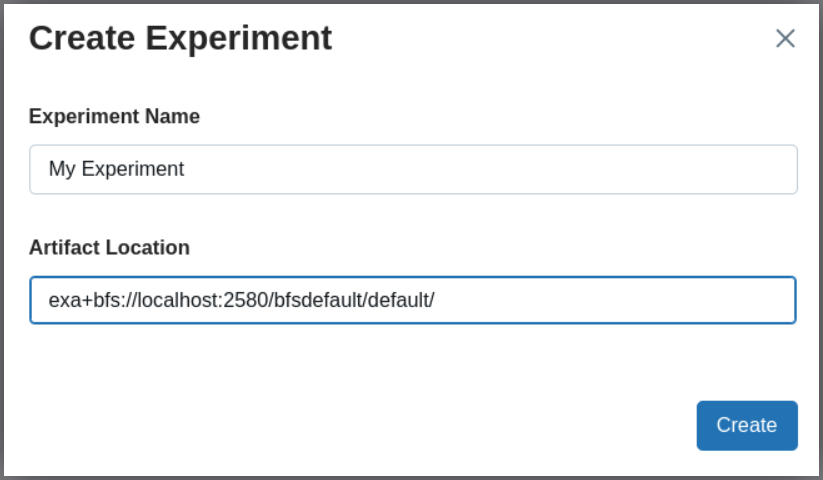
Via UI
Open the UI of your Mlflow server, click “Experiments” in the left hand menu, and blue button “Create” on the upper right:
Via CLI
mlflow experiments create \
  --experiment-name "My Experiment" \
  --artifact-location "exa+bfs://localhost:2580/bfsdefault/default/"
For details, see MLflow CLI Documentation and URI Format.
Via API
import mlflow

uri = "exa+bfs://localhost:2580/bfsdefault/default/"
mlflow.create_experiment("My Experiment", artifact_location=uri)
mlflow.set_experiment("My Experiment")
For details, see the MLflow API Documentation and URI Format.