
 Exasol MLflow Plugin
Creating an MLflow Experiment#
MLflow allows creating experiments via UI, CLI, and API.
Via UI#
Open the UI of your Mlflow server, click “Experiments” in the left hand menu, and blue button “Create” on the upper right:
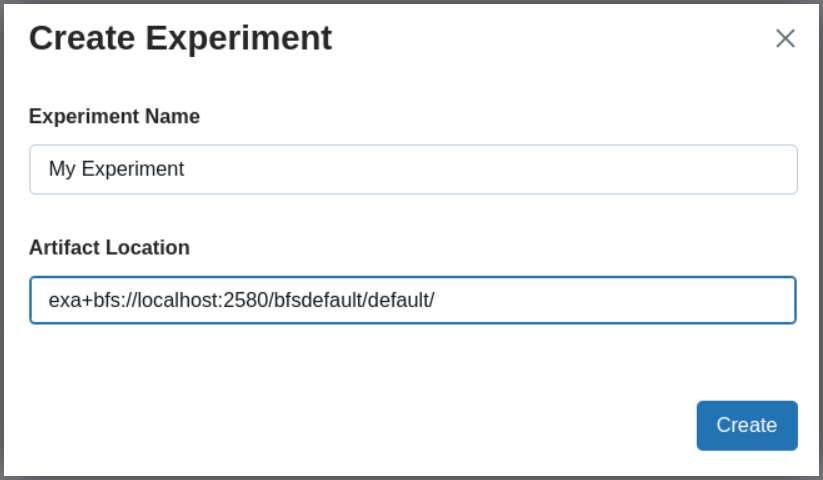
Via CLI#
mlflow experiments create \
  --experiment-name "My Experiment" \
  --artifact-location "exa+bfs://localhost:2580/bfsdefault/default/"
For details, see MLflow CLI Documentation and URI Format.
Via API#
import mlflow

uri = "exa+bfs://localhost:2580/bfsdefault/default/"
mlflow.create_experiment("My Experiment", artifact_location=uri)
mlflow.set_experiment("My Experiment")
For details, see the MLflow API Documentation and URI Format.